Docs
Introduction
Native Shell (NSH for short) is designed for AI-generated, dynamically delivered native UI. A model writes a small module in TSX, and a native app loads it at run time and shows it with the platform’s own UI, inside a sandbox the app controls. The same mechanism makes native apps extensible in general — plugins, features, whole screens delivered after release.
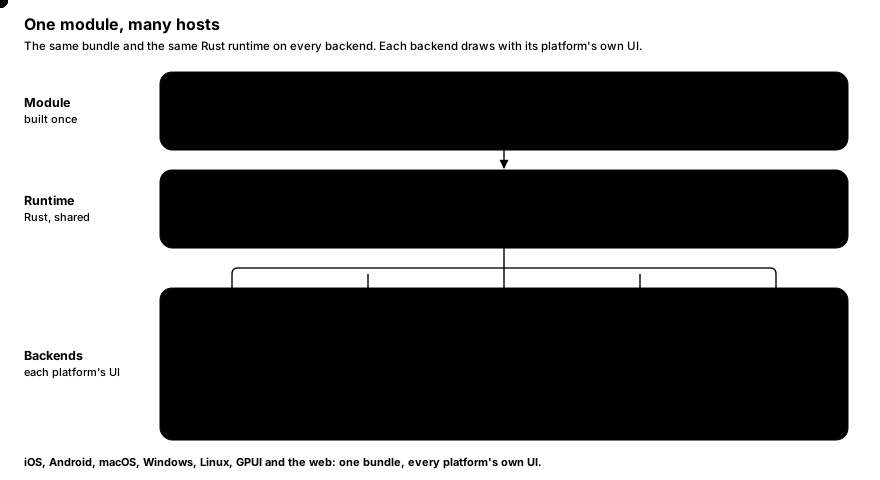
NSH runs on phones and desktops alike: iOS (UIKit), Android (Android views), macOS (AppKit), Windows (Win32 windows drawn with Direct2D) and Linux (GTK 4). Each platform has a native backend of its own, and the same module runs on all of them (Platforms).
#Why it exists
First: UI generated by AI. An assistant inside your app can answer with an interface rather than with text. A model writes a small TSX module (a form, a chart, a booking card), your server checks, builds and signs it, and the app downloads it and shows it in an NshAppView: native UI, sandboxed, limited to what you granted, and with no app update. NSH is built around this use, so its design is AI friendly throughout:
- A format models write well. A module is one TSX file using signals, a handful of host elements and Tailwind classes — the vocabulary models already know from the web, with no build configuration and no NPM.
- A precise, generated contract. Every element, prop, style key and module has TypeScript declarations generated from the Rust sources (
.nsh/types), so generated code can be type-checked, and a model can be given the exact API instead of guessing. These docs are also served as plain text for models (llms.txt,llms-full.txt). - Checkable before it ships.
nsh traceruns a module headless, without a device, and reports errors and the views it produced; build errors come with a code frame. A generation loop can compile, run, read the result and retry. The compiler also runs in-process as a library (nsh_bundler::compile_module) and in the browser (Playground). - Safe to run when it is not trusted. Generated code is untrusted code. Each module runs in its own QuickJS VM with memory, call-time and node limits, reaches only the capabilities the host grants, and arrives as a signed package the app verifies first.
- Native without native code. The output is the platform’s own UI — UIKit, Android views, AppKit, GTK 4 or Win32 with Direct2D — with the system’s text, input and accessibility, yet the model never writes Swift, Kotlin, Java or Rust, and the app never needs a new release.
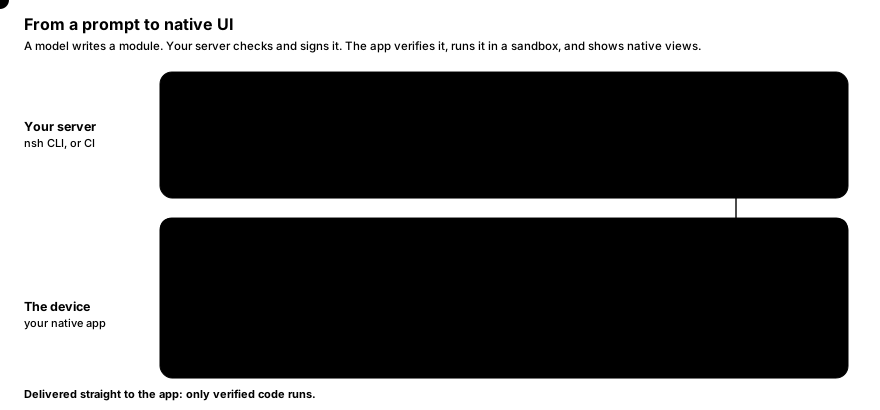
Second: extending native apps, and delivering UI dynamically. The same mechanism serves any module, not only generated ones. The app embeds an NshAppView (iOS), NshView (Android) or AppView (macOS, Windows, Linux) wherever a module should appear, and NSH runs the module inside it:
- Delivered after release. A module is a signed package (
.nshpkg) the app downloads at run time. The app checks its signature against the keys it trusts and against a revocation list before running it (Signed packages). A change needs no new binary and no store release. - The host stays in control. Each module runs in its own sandboxed VM, with memory, time and node limits, and reaches only what the host grants: network hosts, web pages, the status bar (Sandbox and capabilities). Several modules can run side by side; there are no global singletons.
- It looks like the rest of the app. Modules render with the platform’s own UI, so text, input, accessibility and scrolling are the system’s. The host can register its own native views — a map, a player, a design-system component — for modules to use (Native components).
Third: standalone apps. The same modules can also be a whole app. nsh package turns them into an installable iOS, Android, macOS, Windows or Linux app with the prebuilt runtime, which is also the quickest way to try NSH: the getting started guide does exactly that. It is a supported use, but not the one NSH is designed around.
#Why Native Shell, next to GPUI Shell
Longbridge is building NSH as the plugin layer of its mobile client, and its desktop client needs the same layer. GPUI Shell makes GPUI desktop apps extensible in JavaScript, and the first idea was to use it on phones too. It does not fit there, because its modules are drawn by GPUI itself, on the GPU, not with the platform’s views:
- System behavior would have to be rebuilt. A self-drawn surface inside a native screen has none of the platform’s text selection, nor the selection menu that comes with it (Copy, Share, Translate, Look Up, Select All), nor the system’s input methods, accessibility and new visual materials each iOS release brings. Recreating them in a GPU renderer is a large, never-finished job, and the copies drift from the real thing.
- Mobile teams would have to adopt a new UI stack. Running a self-drawn layer at scale in an existing mobile client means its iOS and Android teams take on an unfamiliar renderer, its compatibility issues across OS versions and devices, and its bugs.
NSH therefore renders modules with each platform’s own UI: UIKit on iOS, Android views on Android, AppKit on macOS, Win32 windows drawn with Direct2D on Windows and GTK 4 on Linux. One module format and one runtime run in all these hosts.
The two are positioned differently. GPUI Shell is for extending GPUI desktop applications; Native Shell is for native apps on every platform, phones and desktops alike.
#A module
A module is TypeScript and JSX:
import { mount, signal, Text, View } from "nsh";

function Counter() {
  const count = signal(0);
  return (
    <View style={{ flex: 1, alignItems: "center", justifyContent: "center", gap: 12 }}>
      <Text style={{ fontSize: 48, fontWeight: "700" }}>{count()}</Text>
      <View
        onPress={() => count.update((n) => n + 1)}
        activeOpacity={0.6}
        class="rounded-lg bg-blue-600 px-5 py-3"
      >
        <Text class="text-white text-lg">Tap</Text>
      </View>
    </View>
  );
}

mount(Counter);
<View> becomes a UIView on iOS, a ViewGroup on Android, an NSView on macOS and a GTK widget on Linux, <Text> a native text view, and the button’s press feedback (activeOpacity) runs on the main thread without a round trip to JavaScript. When you tap, count.update changes one signal, and only the text that reads count() is updated: the component function does not run again.
The host app shows it with a few lines of native code (iOS, Android, macOS, Windows, Linux). On iOS:
let app = NshAppView()                         // a UIView: place it anywhere
try app.grantCapabilities(#"{ "network": { "hosts": ["api.example.com"] } }"#)
let info = try await app.loadPackage(at: downloadedFile, trust: trust)   // verified, then run
Only the module’s code is JavaScript. Everything it calls into — the reactive graph, the renderer, layout, text and every module it imports — is native, written in Rust.
#How a module runs
A module (an “app” in the CLI’s terms) is a set of .tsx / .ts files with an entry, usually App.tsx. The toolchain is a single nsh binary:
- Build.
nshbundles the module’s files (with rolldown and Oxc) and compiles the JSX with its own compiler. Imports ofnshandnsh/*stay imports: the runtime serves them natively, so the bundle holds only your code. The bundle is compiled to QuickJS bytecode. - Run. On the device, the engine thread runs the bytecode in QuickJS. Compiled JSX calls the native renderer directly; changes are collected during one JavaScript turn, laid out with Taffy (flexbox and CSS grid), and handed to the main thread as one batch of view operations per frame.
- Render. The main thread applies the batch to native views. Text is measured and laid out once on the engine thread (CoreText on Apple platforms,
StaticLayouton Android, DirectWrite on Windows, Pango on Linux) and only drawn on the main thread.
Because JavaScript only describes the UI and handles events, the work done in the interpreter is small. Parsing styles, resolving Tailwind classes, diffing, layout and text all happen in Rust.
#What you get
- Embedding.
NshAppView(Swift),NshView(Java/Kotlin) and the desktops’AppView(AppKit, GTK, Win32) put a module in a native app, as many as you like (iOS, Android, macOS, Linux, Windows). - Signed, revocable delivery. Ed25519-signed packages, release keys certified by an offline root key, revocation lists (Signed packages).
- A sandbox the host configures. VM limits and capabilities granted per view, in the iOS and Android SDKs (Sandbox and capabilities).
- The host’s own views in modules. Register native components from Swift, Java or Rust (Native components).
- Native views. Embedding a native map, web view or video player has no layering problems, accessibility uses the platform’s own tree, and text input is the system’s.
- Fine-grained reactivity. Signals like Solid’s, implemented natively. Components run once; only the expressions that read a changed signal run again.
- Styles and Tailwind, resolved natively: flexbox, CSS grid, shadows, gradients, filters, transitions (Styling, Tailwind).
- A mobile UI set (
nsh/ui/mobile) whose components are written in Rust and drawn by NSH, so they look the same on every platform: Button, Card, ListView, navigation, and more. Desktop layouts are built from the primitives withdesktop={{…}}props andPlatform.select(Platform-specific code), and a desktop UI set is on the way. - One binary toolchain. A single
nshexecutable builds modules, writes their type declarations, serves them with hot module replacement, packages and signs them.
#Where it runs
| Platform | Status | Backend | Notes |
|---|---|---|---|
| iOS | Supported (iOS 15.0+) | UIKit | Devices and the simulator; embedded with NativeShell.xcframework (iOS) |
| Android | Supported (API 28, Android 9+) | Android views | arm64-v8a and x86_64; embedded with nsh.aar (Android) |
| macOS | Supported (macOS 14+) | AppKit | Standalone apps; embedded with AppView (macOS) |
| Windows | Supported (Windows 10 1809+) | Win32, Direct2D | Standalone apps; embedded with AppView (Windows) |
| Linux | Supported (GTK 4.14+) | GTK 4 | Standalone apps; embedded with AppView (Linux) |
| GPUI (macOS, Windows, Linux) | Supported | GPUI | Standalone apps; embedded with AppView in GPUI and GPUI Kit apps (GPUI) |
| Web | Supported (modern browsers) | HTML | Static sites; embedded in a page with createPlayer or an iframe (Web) |
| Mac Catalyst | For development | UIKit | The iPhone-sized window nsh run opens on a Mac, to see a module as on a phone |
#How it compares
The usual ways to put UI into an app after release are web views, server-driven UI described in JSON, and mini-program containers; for whole apps, cross-platform frameworks such as React Native, Flutter, Electron and Tauri. An NSH module renders native UI where a web view renders a page, carries its own state and logic where a server-driven schema can only recombine built-in components, and runs in a sandbox the host configures in code. Comparing approaches goes through each.
#Next steps
- Installation and Getting started: get
nsh, write a first module and run it on each platform. - Platforms: what runs where, and how to run, package and embed on iOS, Android, macOS, Windows and Linux.
- Signed packages and Sandbox and capabilities: deliver modules and decide what they may do.
- JSX and components and Reactivity: the two ideas everything else builds on.