Podnook
A private, open-source clipboard history for macOS. Everything you copy stays in a local SQLite file on your Mac: summon it with one hotkey, search, pin and paste back into any app. Text, images, files and links, with no account and no network.
Podnook
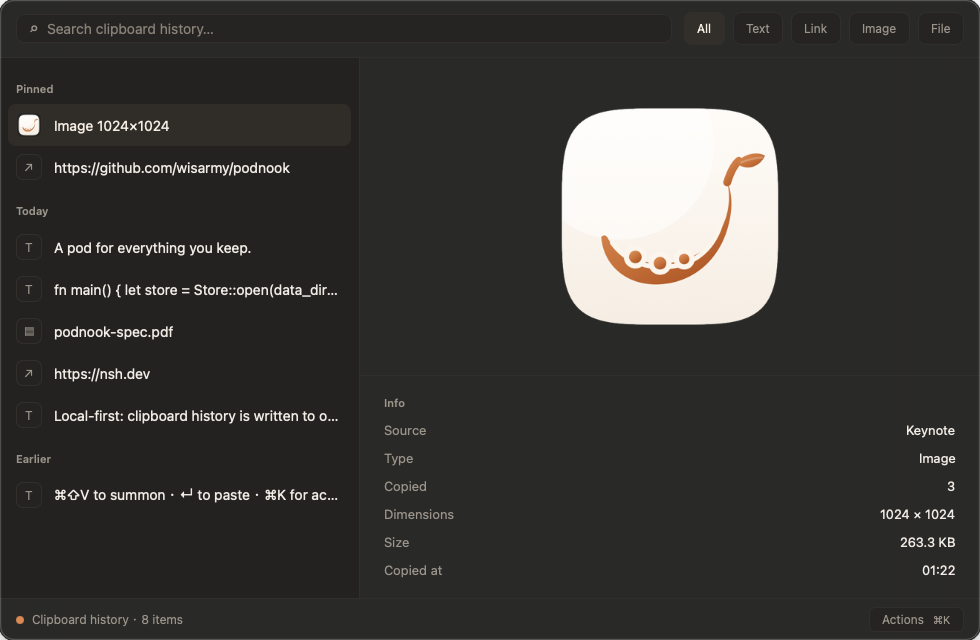
Podnook keeps the things you copy. A single hotkey opens a panel over whatever you are doing: search the history, pin what matters, and paste an entry back into the app you were in.
Everything stays on the Mac. The history is a SQLite file in the app's own data directory, images are cached beside it, and the app has no account and makes no network requests. Clipboard items that password managers mark as concealed are never stored.
What it does
- Captures text, links, images and files from any app, with a preview, the source app, copy count and size.
- De-duplicates: copying the same thing again moves it to the top instead of adding a second entry.
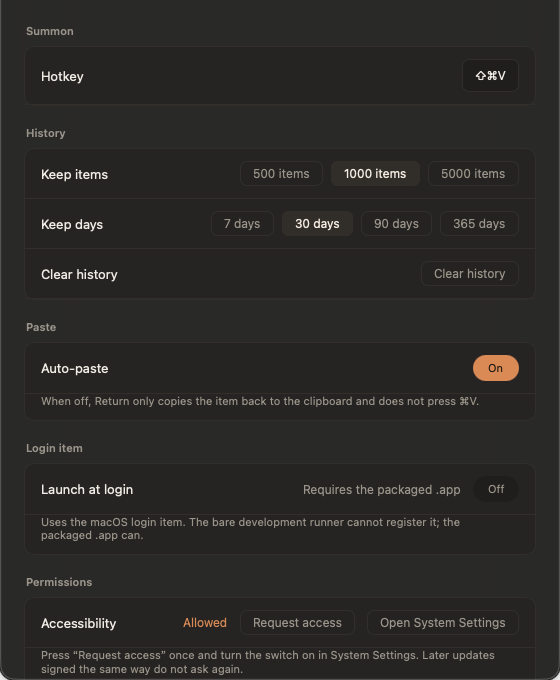
- Pins the entries you keep; retention by count and by days clears the rest.
- Searches content, file names and type names, and filters by type.
- Pastes back into the frontmost app with Return, or only copies with Command-Return.
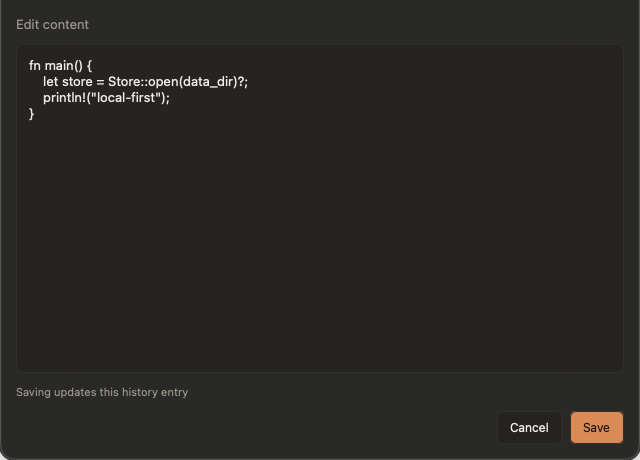
- Edits a text entry, saves an entry to a file, reveals files in Finder, and opens links and files.
- Lives in the menu bar without a Dock icon. The panel covers other apps' full-screen spaces and closes on blur or Escape.
- Ships in English and Simplified Chinese, follows the macOS language, and can be switched in Settings.
A panel, not a window
The panel is frameless and translucent, so the desktop shows through it. It opens where you are, remembers the app you came from, and pastes into it. Without Accessibility permission it falls back to copying only, so the history stays usable.
Keeping it local
There is no sync, no account and no telemetry. Ignored apps are matched by bundle id, so a password manager or a chat app can stay out of the history entirely. Retention limits and clearing history live in Settings.
Podnook is open source: https://github.com/wisarmy/podnook